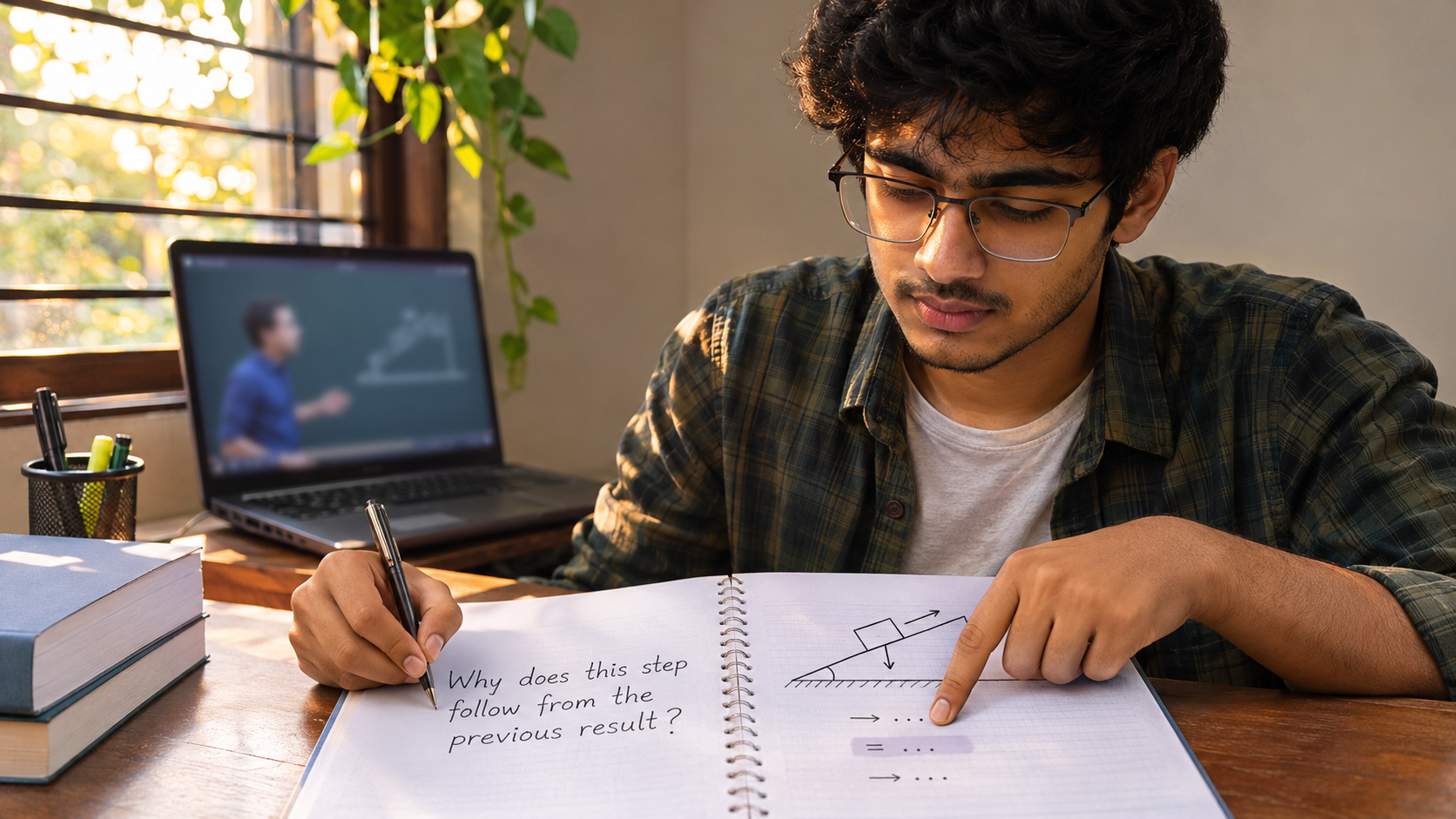
A teacher solves three algebra problems on YouTube and every step seems clear. Then you close the video, open your homework, and cannot decide what to do first. The explanation was useful, but following someone else's solution and producing your own are different tasks.
The fix is a small watch-and-solve loop: choose one video for one precise math problem, pause to predict the next step, and solve a fresh problem without the video. Quietube helps Android students keep that loop focused. Its educational search, Quiet Session, Marklist notes, and quiz tools let you work with a chosen YouTube lesson without drifting into Shorts or unrelated recommendations. The pencil work still has to be yours.
Search for the step you cannot do
Start with your last incorrect question, not a broad subject name. "Algebra" gives you too many lessons. "Factor quadratic equations when the leading coefficient is one" identifies a method and a level. If you need a proof or an exam-style word problem, add that to the search.
Compare two or three results. Choose a video that states its level, shows at least one complete example, and explains why each operation is valid. A lesson that only presents final answers can help you check homework, but it is a poor teacher when you do not understand the method. Our guide to finding good educational YouTube videos gives a quick way to judge a candidate before committing to it.
Use your class notes or textbook as the reference for notation and required method. A video might solve a quadratic with the formula while your current assignment asks you to factor. That video may be mathematically correct and still be the wrong one for today's task.
Watch one example with a pencil
Write the problem down before the teacher starts solving it. For example:
Factor x² − 5x + 6 = 0.
At the first pause, ask: "What two numbers multiply to 6 and add to −5?" Try −2 and −3. Write (x − 2)(x − 3) = 0 and then x = 2 or x = 3. Resume the video and compare the reasoning, not just the answer. If the teacher uses a different route, ask whether both methods give the same roots and which one your course expects.
The MIT Teaching + Learning Lab's guide to worked examples emphasizes explaining the steps and underlying principles rather than only viewing the finished solution. The University of Pittsburgh at Bradford's online math tips likewise advises pausing after steps and attempting a similar example alongside a lecture.
You do not need to pause after every spoken sentence. Pause where a decision happens: choosing a formula, setting up an equation, substituting a value, or interpreting an answer. If you cannot explain why the next step follows, replay that short section or check the prerequisite concept before continuing.
Solve a different problem with the video closed
Now try x² − 7x + 12 = 0 without looking at the worked example. The factors are (x − 3)(x − 4), so the roots are 3 and 4. But the useful check is whether you could find those factors and explain why setting each factor to zero works.
Change a detail on the next problem. If all your practice problems use positive constants and two negative terms, a new sign pattern will reveal whether you know the method or memorised the shape of one example. For instance, x² + x − 6 = 0 factors into (x + 3)(x − 2), giving roots −3 and 2. Substitute each root into the original equation to verify it.
If you make an error, identify its type before opening another video:
- Could not start: revisit the decision point where the method was chosen.
- Wrong sign or arithmetic: correct the step on paper, then try a similar problem.
- Used the wrong method: compare the problem type with your course examples.
- Reached an answer but cannot explain it: say what each transformation preserves.
A new video is useful when the first explanation truly does not connect. Watching five nearly identical solutions is less useful than working through two problems yourself.
A focused Quietube math session
Here is a practical 30-minute flow for a student preparing for a class test:
- Pick the exact gap. Search Quietube for the topic and level, then inspect the result against your class material. Save one suitable worked-example video to Marklist.
- Start a Quiet Session. Open that lesson in Quietube's distraction-free environment. Keep paper beside you and set a goal such as "I will solve two new factoring problems."
- Pause at decisions. Before the teacher chooses factors or a formula, make your own choice. Resume to compare reasoning. If something fails, add a Marklist video note with the timestamp and the exact doubt.
- Close the explanation and solve. Work a different problem from your textbook or teacher's sheet. Use Quietube's in-app AI to ask about a specific confusing step if needed, but check any generated math against the original problem and your course method.
- Check and return later. Use a quiz or AI-generated revision question as another prompt, verify its answer, and schedule a short retry if you missed the method.
Try Quietube for your next math lesson if the teaching video helps but the Shorts feed or recommendations keep taking your practice time. Keep the useful example and your note in one place; spend the saved time solving.
Know when to ask a person
If two explanations leave you unable to identify the first step, show your teacher, tutor, or classmate the exact problem and your attempted work. "I get stuck when choosing the factor pair" is easier to help with than "I do not understand quadratics." A person can notice a prerequisite gap that another video may not diagnose.
YouTube is especially good for seeing a method unfold. It cannot observe your scratch work unless you share it through another tool, and an AI answer may sound confident while containing a sign or algebra error. Verify every result by substitution, an answer key, or a teacher's method.
For a series of related topics, use our guide to turn a YouTube playlist into a study schedule and reserve more time for problems than for watching. To check what you remember after a lesson, make revision questions from the video.
Questions students ask
Can I learn math only by watching YouTube videos?
Videos can explain a method and show worked examples, but you need to solve new problems without the video to check whether you can use it. Pair each lesson with course-aligned practice and feedback.
Should I copy everything the teacher writes?
Copy the problem, the key decision, and any step you could not explain. Then close the video and reproduce the method on a different question. A full transcript of the board work can look complete while leaving you unable to start.
What if the video uses a different method from my teacher?
Check whether the methods are mathematically equivalent, then follow your course's assessment requirements. If the difference is confusing, ask your teacher which method to use for that problem type.
The best math video is the one that helps you solve a problem after it ends. Choose it carefully, pause where the reasoning happens, and test yourself on paper. Quietube can keep the lesson focused; your independent solution is the result that matters.

Full-Stack Web & Mobile App Developer crafting ultra-fast, high-converting digital products.