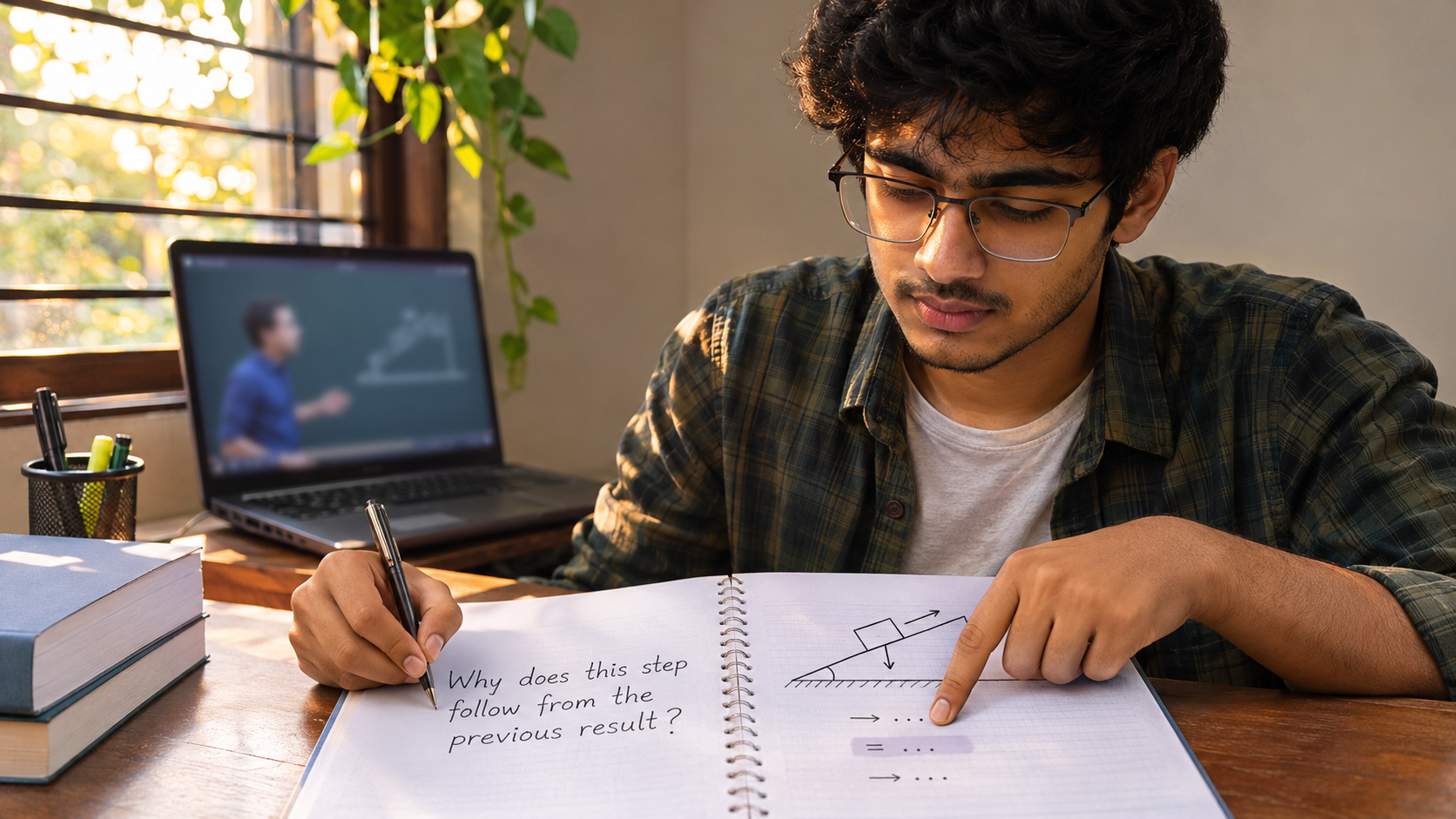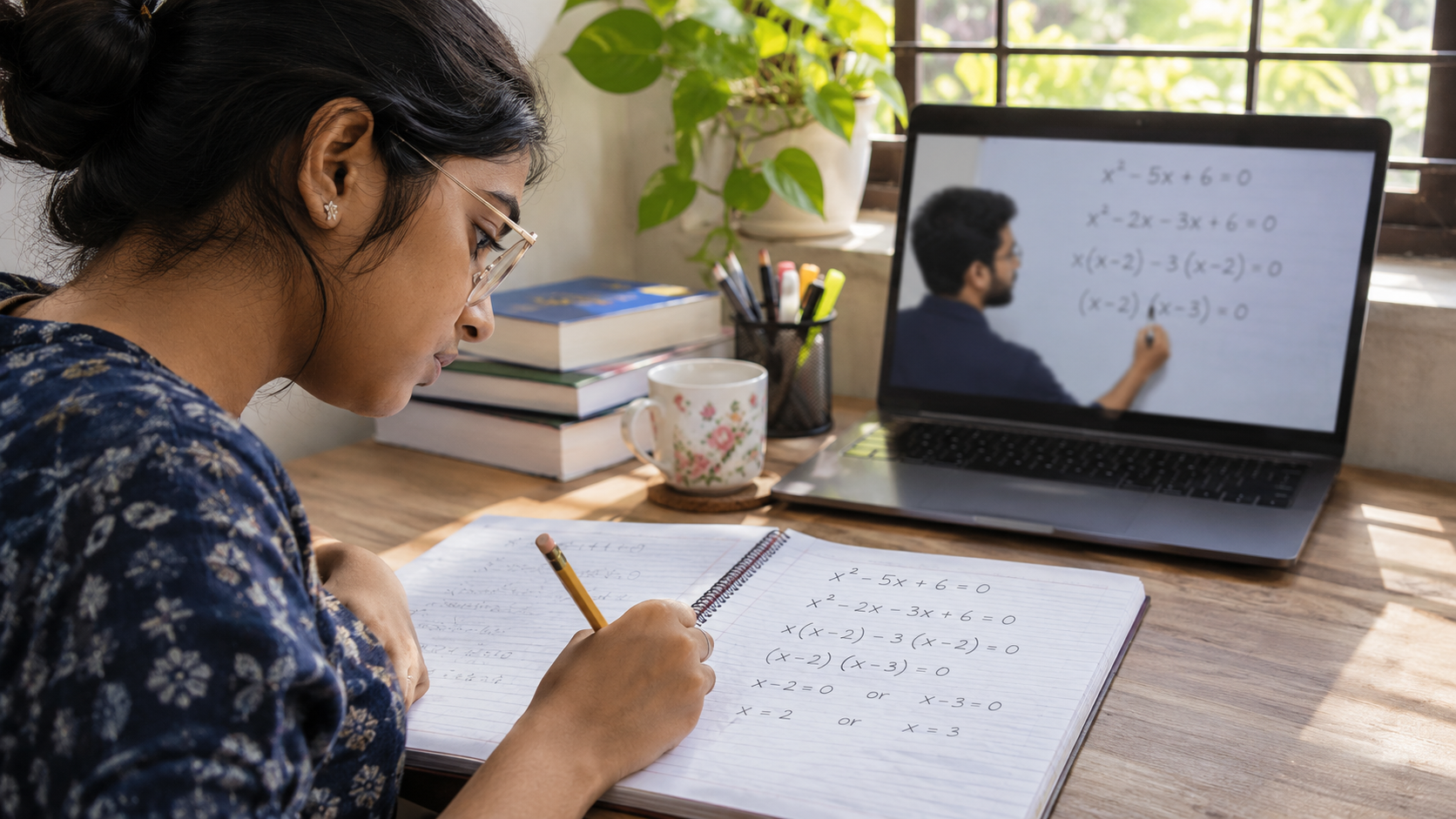
You can finish a clear YouTube lesson and still struggle with a new exam question the next day. The video made the explanation familiar; it did not show whether you could retrieve or use it yourself. A short set of revision questions gives you that check.
If opening YouTube to review one lesson often turns into Shorts or unrelated recommendations, Quietube gives Android students a focused place to watch educational videos and keep a saved lesson, video note, quiz, and later review together. Its AI-generated revision tools can help draft practice, but the useful part is still your answer: close the video, attempt a question, and verify what you got wrong. The method below also works with a notebook and no AI.
Start with the learning goal, not the transcript
Before writing questions, finish this sentence: "After this video, I should be able to..." Make the ending observable. "Understand cells" is hard to test. "Explain why water moves across a partially permeable membrane" gives you a target.
A video may include stories, jokes, repeated definitions, and examples outside your syllabus. You do not need a question for every minute. Pick two or three main ideas that matter for your course, then decide which one needs a worked example. If your teacher's notes use a different definition or scope, use those materials to decide what belongs in your revision set.
If the video is long, mark the relevant chapter or moment rather than writing a quiz from the title alone. For a 35-minute biology lecture on osmosis, your targets might be: define the direction of water movement, explain the role of concentration, and predict what happens to a plant cell in a concentrated solution. That is a small, usable question set.
Write three kinds of questions
A good set should check more than whether a word sounds familiar. Use at least one question of each kind when the topic supports it:
| Type | What it checks | Osmosis example |
|---|---|---|
| Recall | Can I retrieve a key idea? | What does partially permeable mean? |
| Explain | Can I connect cause and effect? | Why does water move into a cell in a dilute solution? |
| Apply | Can I use the idea in a new case? | Predict what happens to a plant cell placed in concentrated salt water, and explain why. |
Start by answering without options. Multiple-choice questions can be useful later, but the right answer can look obvious when it sits beside three weak distractors. A short written answer or a sketch forces you to produce the idea.
Write an answer key in your own words and include where you would check it: a chapter, timestamp, page of notes, or textbook section. For the application question, the key should include the reason, not only "the cell shrinks." If the video never covered the mechanism, change the question or consult another reliable course source.
The University of California San Diego's retrieval practice guide recommends making your own practice questions and matching them to the kind of thinking an exam requires. The Carnegie Mellon Eberly Center also treats quizzes as a learning opportunity, not merely a grade.
Let AI draft, then inspect the questions
AI can save time by proposing a first set of questions from your notes or a video transcript. It can also invent an answer, misunderstand an automatically generated caption, or ask about trivia that will not help you revise. Treat the output as a draft.
A useful instruction is:
Based only on these lesson notes, write two recall questions, two explanation questions, and one new application question for a student preparing for a biology exam. Put the answers and brief reasons in a separate section. If the notes do not support an answer, say so instead of guessing.
Give the AI the lesson notes or accessible transcript, not just a vague video title. Keep the source in view when you review the result. Check each question with three tests:
- Source: Can I find the idea in the lesson or approved course material?
- Clarity: Is there one understandable task, with enough context to answer it?
- Value: Would a correct answer show understanding I need for the exam?
Discard a question such as "What color was the teacher's diagram?" unless the color itself carried a meaningful distinction. Rewrite "What is osmosis?" into "Why would water move into this cell?" when you need to practice reasoning. If the lesson relies on diagrams, equations, or physical demonstrations, a transcript alone may miss the essential visual information. Add that context yourself before trusting an AI-generated quiz.
A Quietube workflow for one video lesson
Here is a practical way to move from a YouTube lesson to a revision set on Android:
- Choose the lesson deliberately. Search for the exact topic or learning question, inspect the result, and save the useful video to Marklist. If you already have a playlist, choose the one lesson that addresses today's gap. Avoid collecting several near-identical explanations.
- Watch in a Quiet Session. Start with your learning goal. Pause after a complete idea or worked example, not after every sentence. Quietube's focused viewing environment helps keep Shorts and unrelated recommendations out of the study path.
- Leave a video note. Record one key idea, one example, and a point you need to check. For osmosis: "Water moved into the cell in the dilute solution; revisit the diagram showing the direction." Your note should help you find the explanation again.
- Create the questions. Use Quietube's AI-generated revision or quiz features as a first pass, then edit your mental answer key against the video and your course notes. Include a new application case when the generated questions are mostly definitions.
- Answer and schedule a return. Close the explanation while answering. Mark questions you missed, then use the Scheduler to remind yourself to retry them later. Open the saved video only at the part that resolves a real gap.
Try Quietube for your next video lesson if you want the selected video, Marklist note, quiz, and next review in one focused flow. You can follow the same steps on paper; the app helps when losing the source or drifting into recommendations is what breaks your routine.
Use your answers to decide what happens next
After the first attempt, sort questions into can explain, partly know, and cannot yet answer. Do not count a lucky multiple-choice guess as "can explain." Write a short reason for every wrong answer: missing definition, confused cause and effect, calculation error, or question outside the lesson.
Revisit only the relevant section of the video or notes. Then answer a different question about the same idea. If you missed the plant-cell example, try a new case involving a cell in a dilute solution. Repeating the original wording may only teach you the wording.
Set a short check on a later day. Begin by answering before you reopen the source. If you can apply the idea in a new example, move on. If not, repair the exact gap. Our guide to taking notes from YouTube lectures without rewatching them can help you leave a precise route back to the difficult moment. For a longer series, use the playlist study schedule guide to reserve time for the questions rather than allocating every session to watching.
Questions students ask
How many questions should I make from one video?
Enough to cover the main learning goals without turning the quiz into another transcript. For a focused 20-minute lesson, three to five strong questions may be more useful than twenty facts. Add more when the video covers several distinct processes or worked problems.
Should I quiz myself right after watching?
Yes, a brief first attempt shows what you understood. Try again later with the video closed. The later attempt is where you can see whether you can retrieve the idea without the explanation in front of you.
Can AI-generated questions be trusted?
Check the wording and answer key against the lesson and your course material. AI can draft useful questions, but captions may be wrong, visual steps may be absent, and a confident answer may still be unsupported. Remove or rewrite any question you cannot verify.
What if the video has no transcript?
Write questions from your own notes or the lesson's chapters and examples. You do not need a transcript to test yourself. For a visual lesson, your own diagram or worked problem may be a better source than spoken words alone.
Leave the lesson with something you can test
The goal is not a large question bank. It is a small set that reveals whether you can recall, explain, and apply what the video taught. Quietube can help you keep that set near the saved lesson and return to it in a focused session; your next answer tells you what to study next.
Full-Stack Web & Mobile App Developer crafting ultra-fast, high-converting digital products.