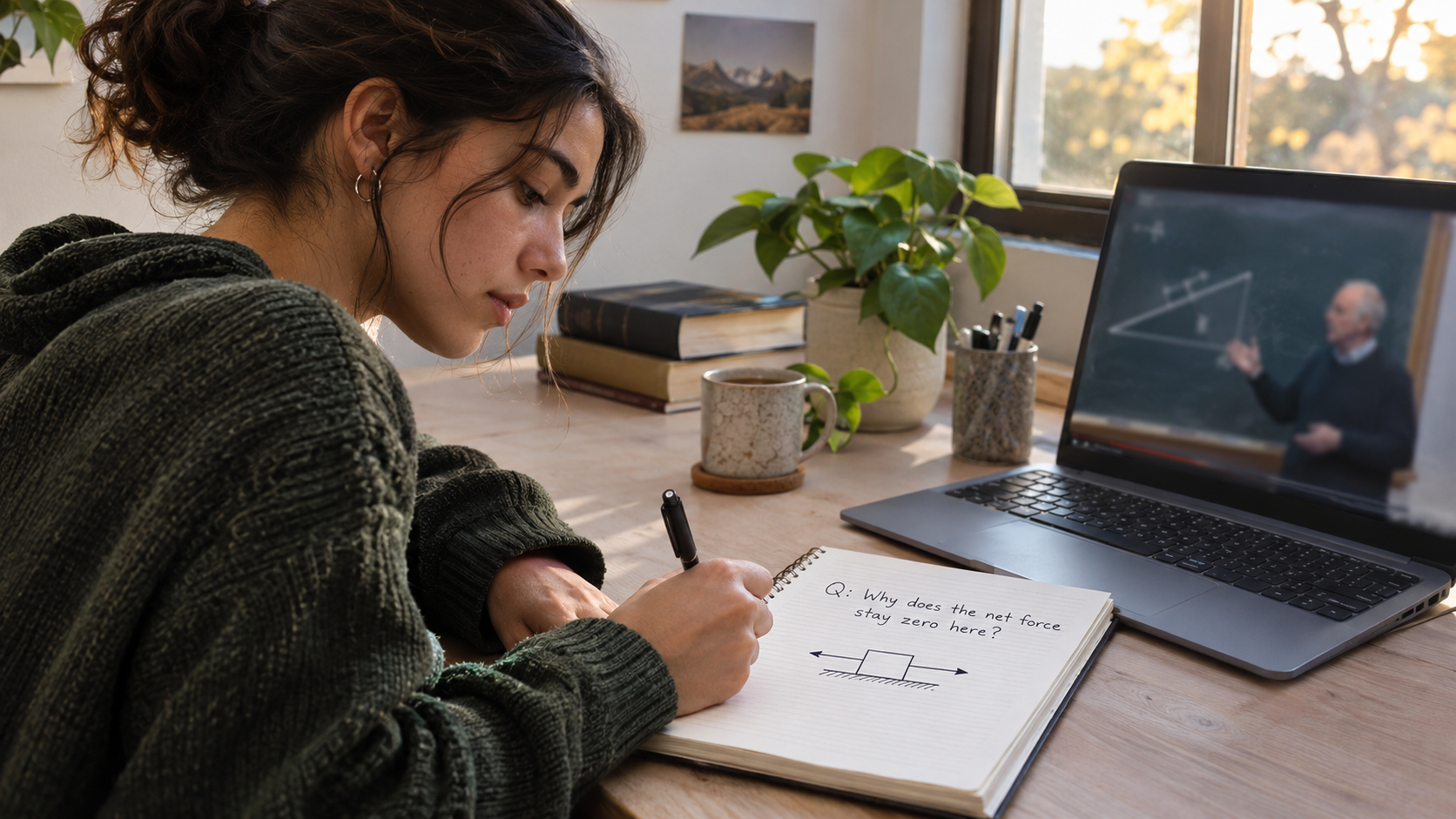
A 40-minute lecture can turn into a two-hour task if you pause for every sentence. The opposite approach is not much better: watch the whole thing, feel that it made sense, and discover tomorrow that you cannot explain the main idea. Useful notes sit between those extremes. They record what you understood, what you still need to check, and where to return.
If YouTube recommendations or Shorts regularly pull you away before that second step, Quietube gives Android students a focused way to watch educational videos and keep the video, Marklist, notes, and revision together. The method below works with a paper notebook too. The important part is making a small study artifact from the lecture rather than treating the watch time as the whole task.
Decide what the notes need to do
Before pressing play, write one question that the lecture should answer. “Understand Newton's second law” is vague. “Why does the same push accelerate an empty trolley more than a loaded one?” gives you something to test at the end.
Then choose the kind of note the topic needs:
- A process or worked problem: record the steps and the reason for each step.
- A comparison: make two short columns, such as mitosis versus meiosis.
- A concept: write a definition in your own words and one example that would prove you understand it.
- A skill tutorial: note the command, the result you expected, and the error or edge case you need to try yourself.
This choice prevents a transcript-shaped page of notes that is hard to use later. Newcastle University's lecture note-taking guidance makes a similar point: a recording is available to revisit, so your first notes can be purposeful rather than exhaustive.
Watch in chunks without transcribing
There is no universal rule for how often to pause. Harvard's Academic Resource Center suggests that watching a recording through once can help you grasp its overall shape without writing every word. Oxford's recorded-lecture guide encourages pausing and bookmarking when they help you process the material. Use the approach that fits the video and your familiarity with the topic.
For a short introductory lesson, try one uninterrupted pass, then make notes from memory. For a dense derivation or a long exam lecture, stop after a complete idea or worked example. At each stop, write at most three things:
- The claim or step: What did the teacher just establish?
- Your explanation: Why does it work, in words you would use with a classmate?
- The gap: What do you still need to check?
For the trolley example, a useful entry might be: “With the same force, more mass means less acceleration. Need to check why friction in the example was ignored.” That is more useful than copying a slide that says only F = ma.
When a sentence sounds important but you do not understand it yet, mark the point in the video and keep listening for another minute. The explanation may arrive immediately afterward. Stop and replay only if the next part depends on that missing step.
Turn the notes into a test before you leave
At the end, hide the video and your notes for two minutes. Answer the question you wrote before pressing play. Then check your answer against your notes and the relevant part of the lecture. Imperial College London's guide to using lecture recordings specifically recommends trying to recall before rewatching.
Keep three marks in the margin:
- ✓ I can explain this without the video.
- ? I can explain part of it but need one example.
- ↺ I need to revisit the exact section.
If your answer is incomplete, replay only the marked section. The aim is to identify a gap, not to accumulate more watch time. If the lecture is 45 minutes long and your gap is in a three-minute worked example, that is the part to reopen.
A Quietube workflow for one YouTube lecture
Suppose you have one evening to revise forces and motion. Here is how to use Quietube for that specific job:
- Enter with a question. Search for a lecture that explains net force and acceleration. Start a Quiet Session so the chosen lesson stays central instead of sending you through Shorts and unrelated recommendations. If you need help narrowing the search, use the topic and question rather than a broad phrase like “physics chapter.”
- Keep the source. Save the useful lecture to Marklist. Add a short video note after the trolley example: “Same force + larger mass → smaller acceleration; check friction assumption.” Keep the video and note connected so you can find the explanation again.
- Resolve one doubt. If the derivation is unclear, ask Quiet AI about that step. Compare its answer with the lecturer's worked example or your course material; do not copy an AI answer into your notes without checking it.
- Test and schedule. Use a quiz or revision question, then schedule a short review for tomorrow. On that revisit, answer from memory first and open the saved video only for the part you missed.
That sequence makes Quietube useful beyond a cleaner player: it connects the lecture to a note and a later test. Try Quietube on Android if your current routine ends with a long Watch Later list but little you can recall.
What if the lecture is long or the notes are messy?
Break a long lecture at topic changes, not at arbitrary ten-minute intervals. If a 70-minute video has sections on force diagrams, Newton's laws, and worked problems, give each section one question. You can stop after the force-diagram section and test it before proceeding. If you only need help with the worked problems, watch that section with the prerequisites you actually lack.
Do not polish notes while the lecture is playing. Use short fragments, arrows, and question marks. Afterward, spend five minutes turning them into a small revision sheet: one explanation, one worked example, and two questions. If the notes still make no sense, use the marked video section to repair them. This is the point where rewatching helps; replaying the whole lecture rarely tells you which idea was missing.
An AI summary can help you spot a missed topic, but it cannot prove that you understand it. Ask yourself to explain the idea or solve a new problem before relying on generated notes. For AI-assisted revision, keep the source lecture and your own answer beside the summary so mistakes are easier to catch.
Questions students often ask
Should I take notes while watching or afterward?
Try a first pass without heavy writing when the lecture is short or introductory. Pause after complete ideas when the material is dense. In both cases, make a brief explanation from memory afterward; that is where you find out what stuck.
Should I copy the transcript?
A transcript is useful for locating a term or checking wording. As revision notes, a full transcript makes it harder to see the few ideas you need to remember. Condense it into questions, examples, and your own explanation.
How many times should I rewatch a lecture?
There is no target number. If you can answer your learning question and apply the idea to a new example, move on. If you cannot, identify the precise gap and revisit that section. A second full viewing is reasonable when the entire topic was unfamiliar, but it should lead to a clearer question or practice attempt.
Make tomorrow's review easier than today's search
Before closing the video, leave yourself a route back: the saved lecture, a note naming the difficult section, and one question to answer tomorrow. Quietube's Marklist, notes, quiz, and scheduler can hold those pieces together while keeping the learning session away from YouTube's recommendation feed. The goal is simple: next time, spend your first minute recalling the lesson, not finding it again.

Full-Stack Web & Mobile App Developer crafting ultra-fast, high-converting digital products.